
Team onboarding
A living manual the new hire reads on their own. Processes that do not walk out with the person.
Documents, spreadsheets and presentations to work on as a team, whiteboards to think on, ready-made templates and studios to design, record and stream. All in one place.
Ask the team about the available options for this module.


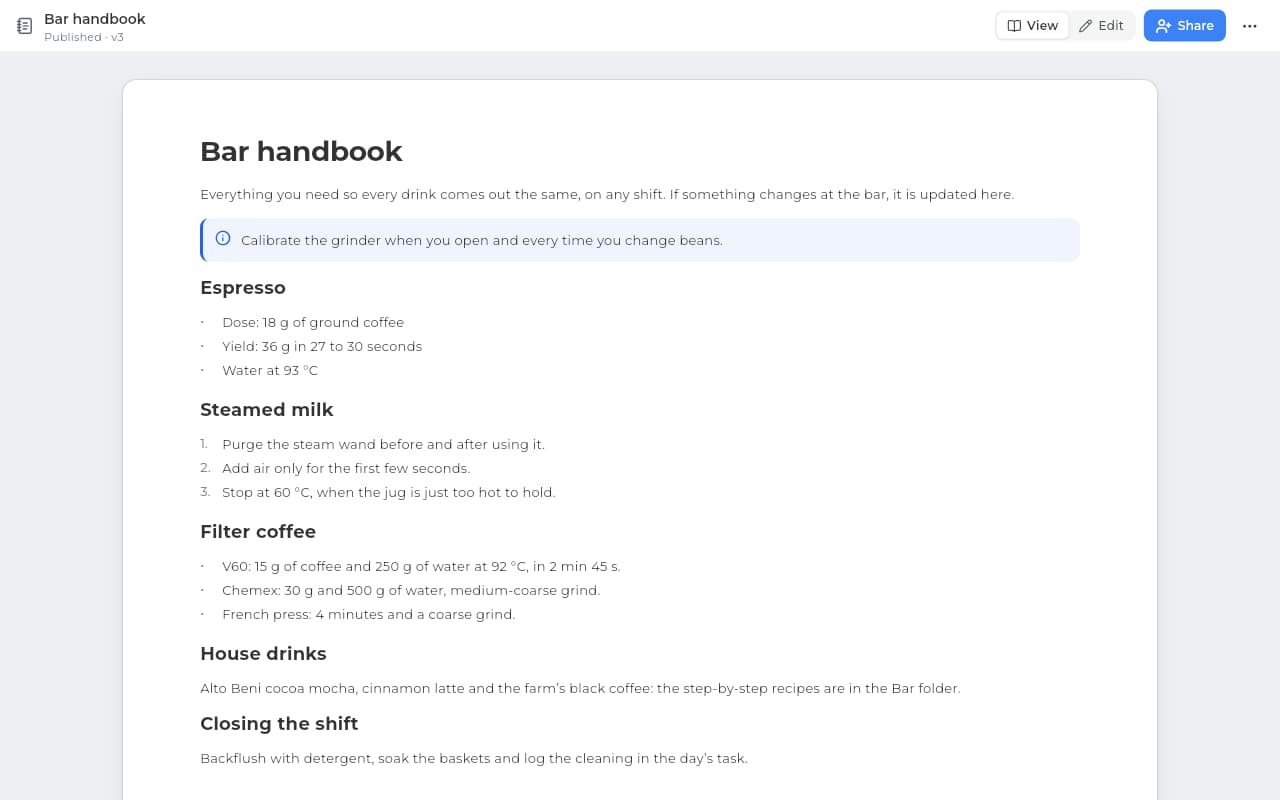
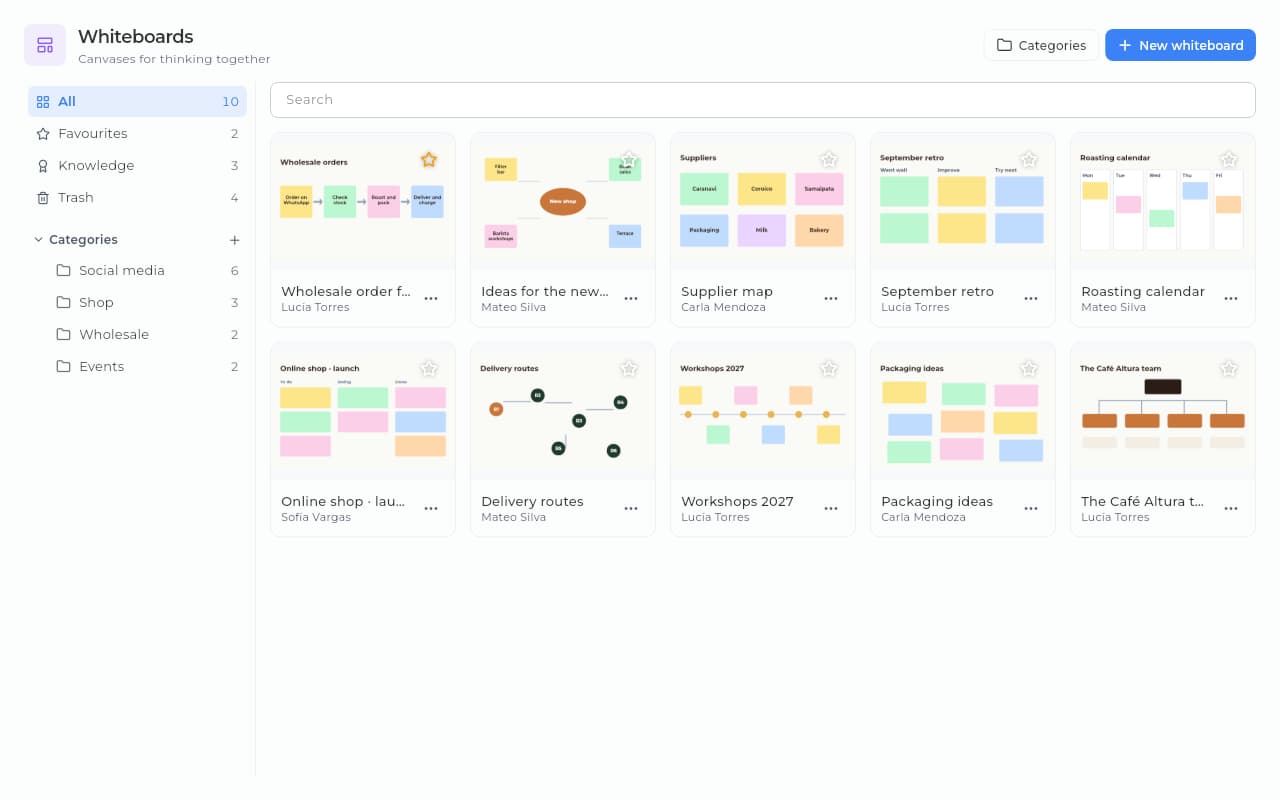
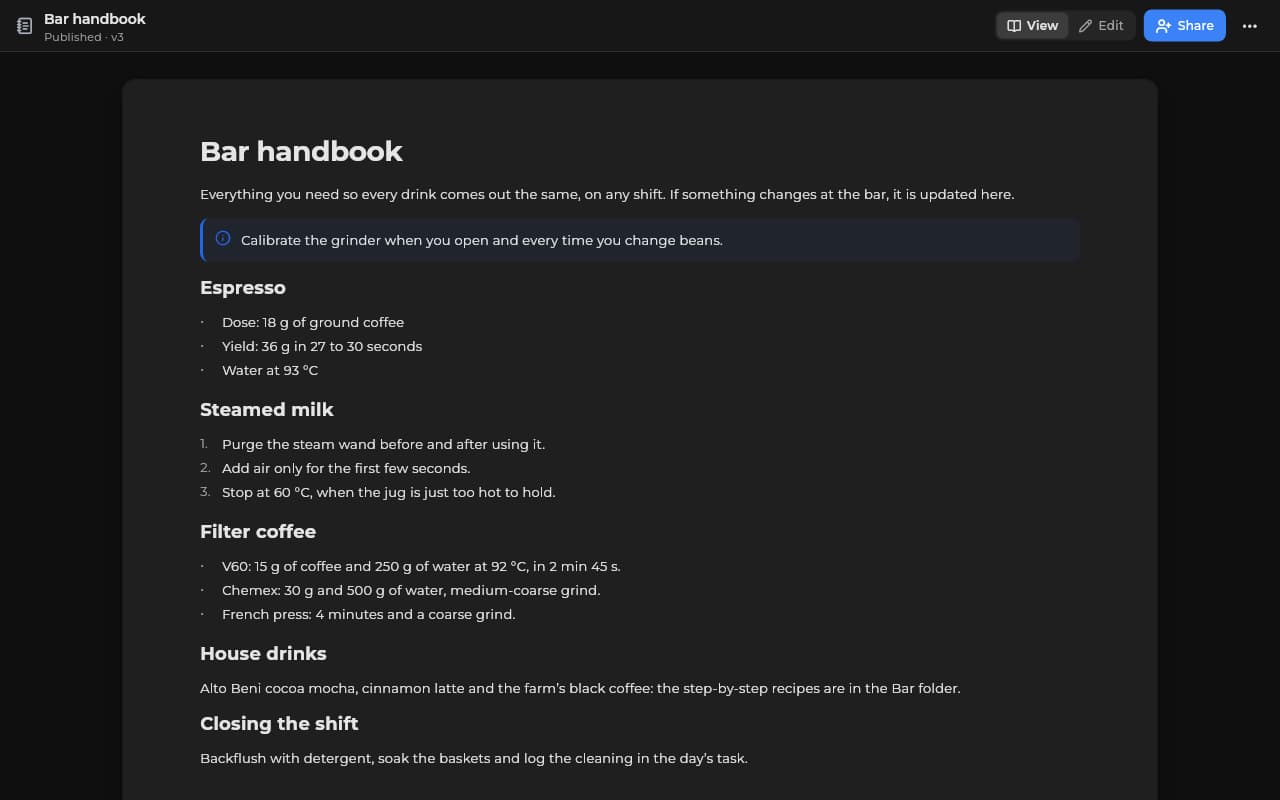
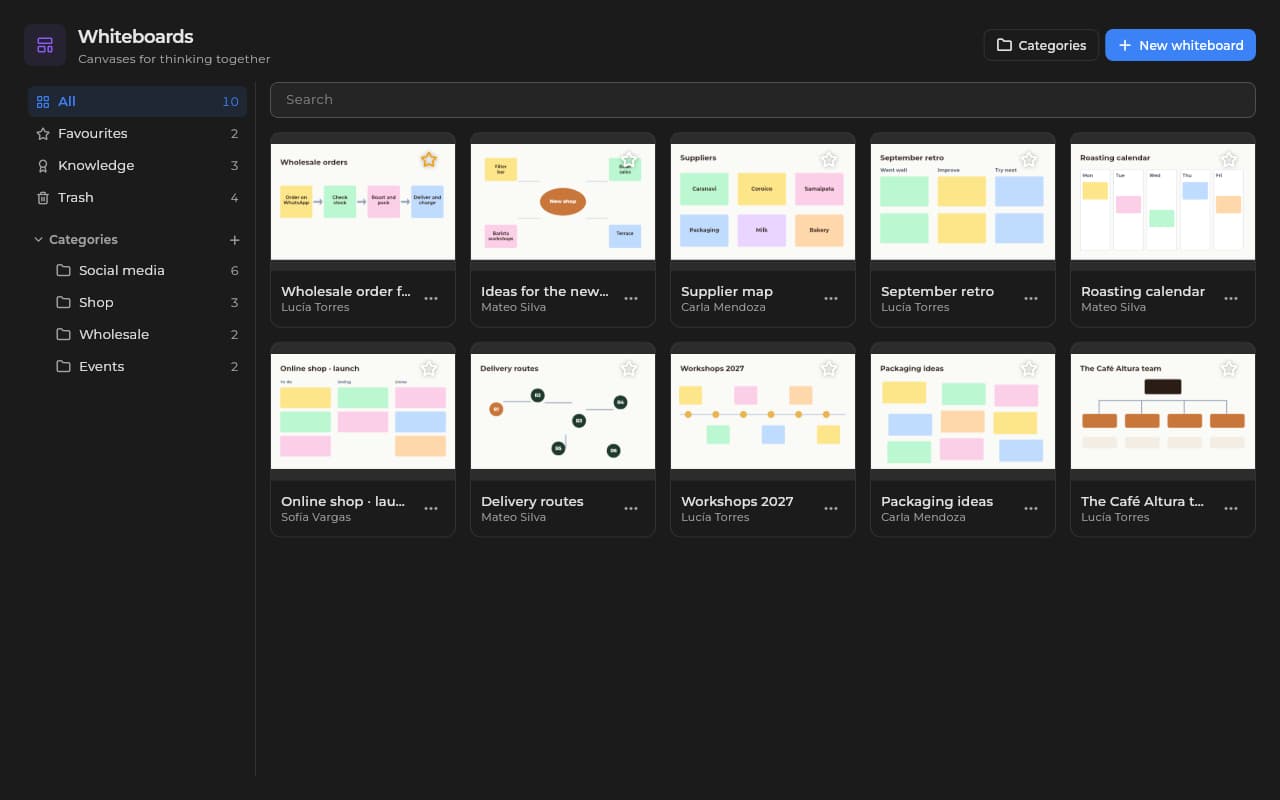
Documents, spreadsheets with formulas, presentations with themes and pages the team edits at the same time: you see who is connected and which block, cell or element each person is on. Upload a .docx, .xlsx or .pptx and it becomes editable; download it in its format or as PDF. Infinite whiteboards with notes and shapes. What your team thinks together ends up written down.
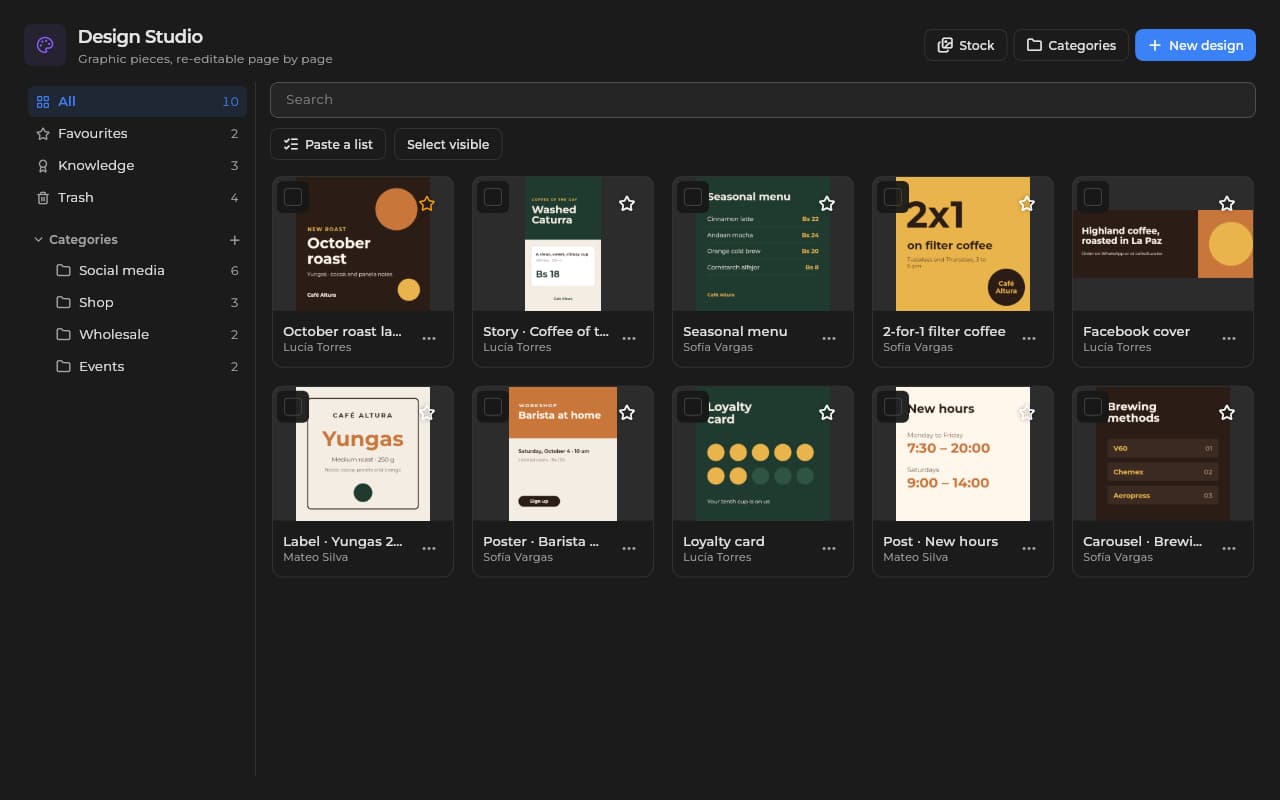
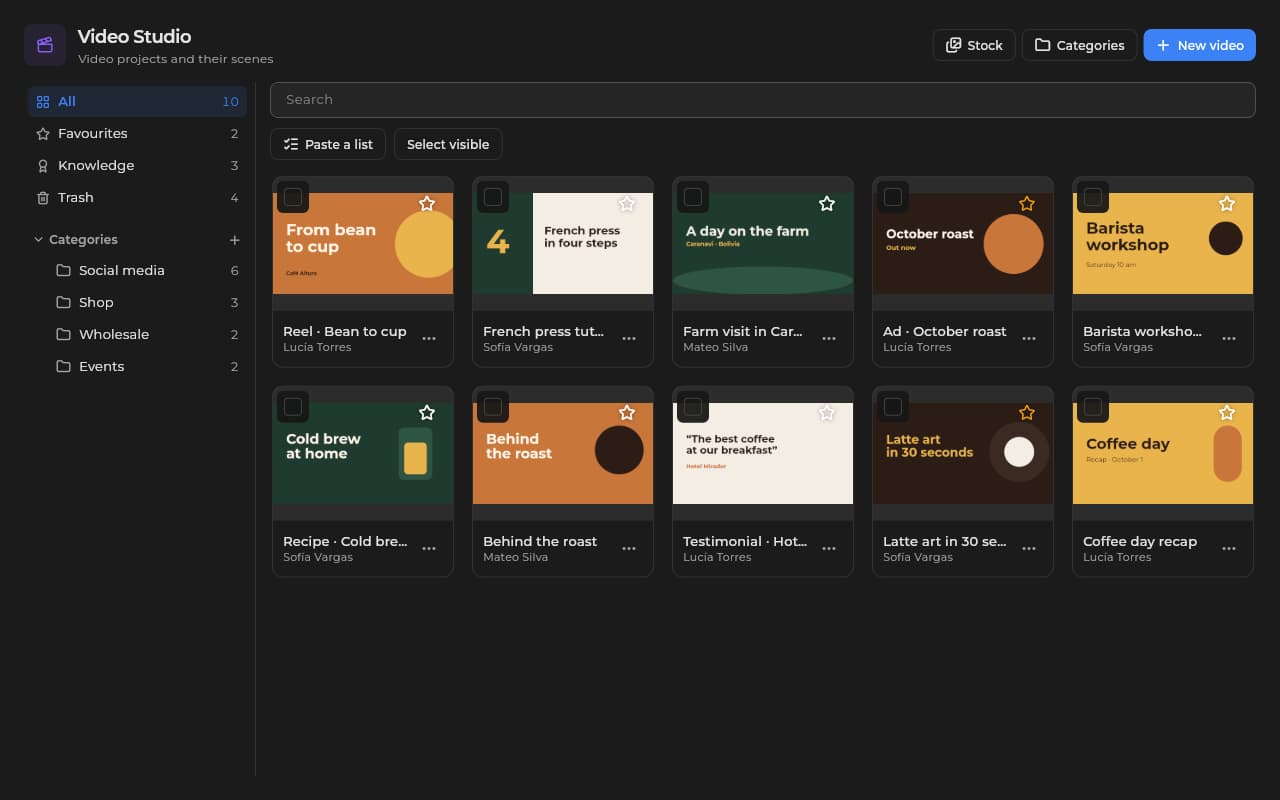
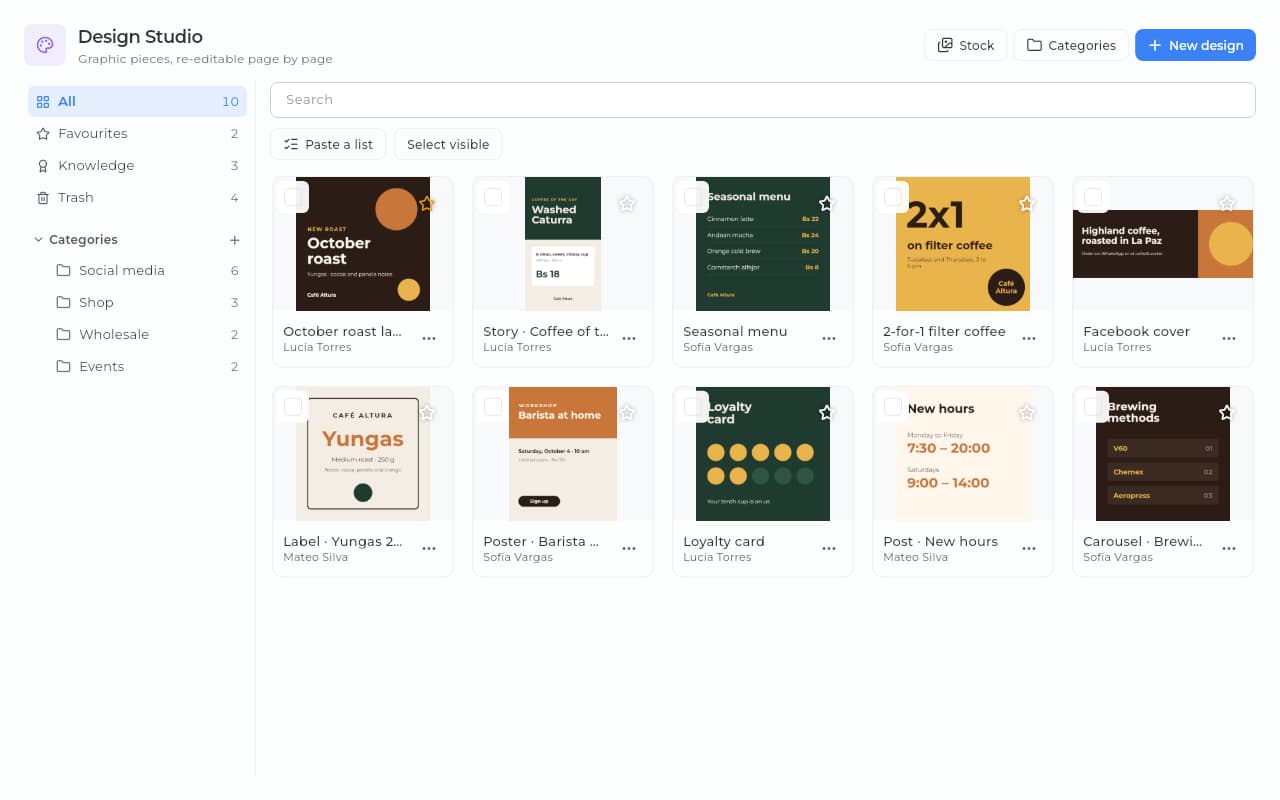
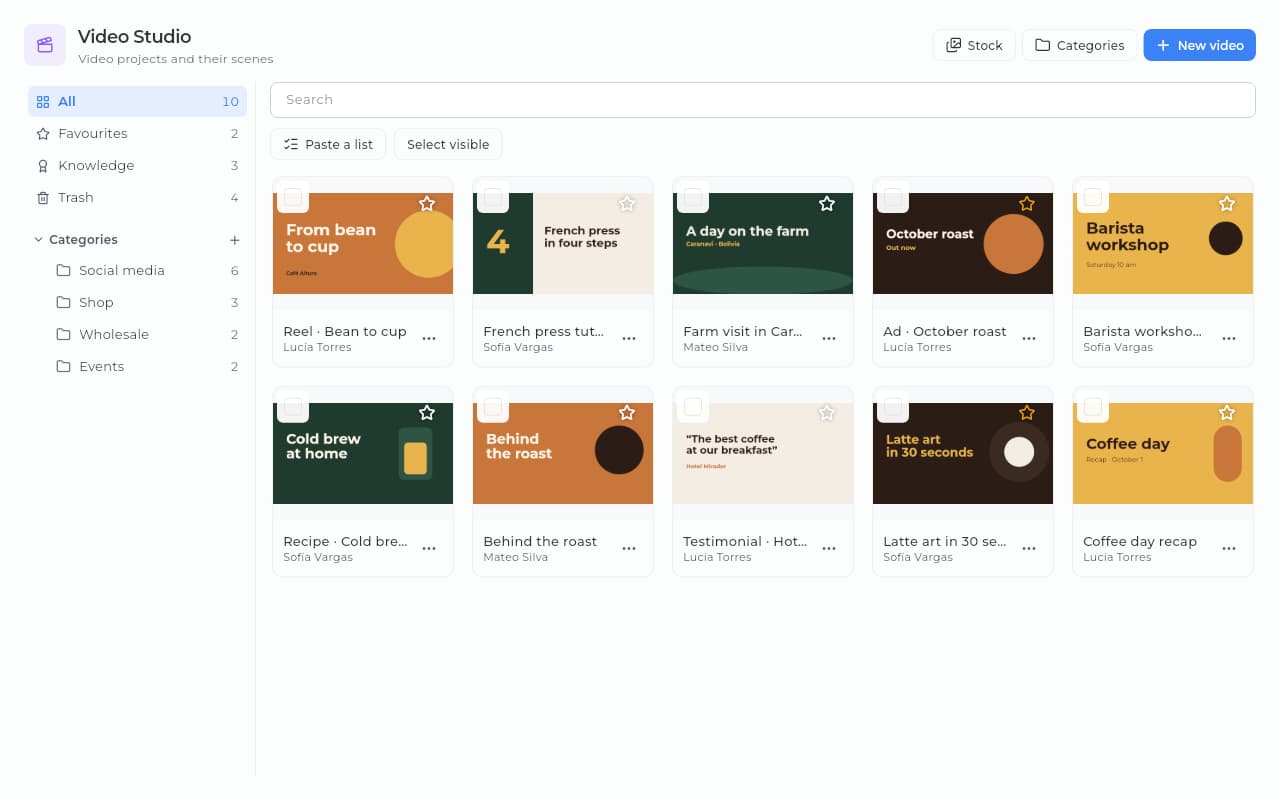
Design Studio, with a brand panel and autosave, for your posts, stories and pieces. Video Studio records screen, camera and microphone in the desktop and Android apps, and you edit and export the MP4 from the browser too. Stream Studio goes live to YouTube or RTMP from the desktop app.
Email, WhatsApp, SMS, note and social templates with variables (the contact's name, your business's details, your channels) and a preview before you use them. Your automations and bulk sends use them, so every message goes out in the words you chose. And if you would rather not start from scratch, pick one from the catalog of messages and documents (letters, reports, minutes, budgets, presentations) and your workspace gets its copy in its language.
A living manual the new hire reads on their own. Processes that do not walk out with the person.
Processes, lists and guides: written once, used always.
Posts, stories and campaign videos made in Design Studio and Video Studio.
Whiteboards for flows, customer journeys and live brainstorms.
From a messy Drive to a place where things get found.
Step 1 · First tidy-up
We bring your handbooks and processes into Sice documents. We put your categories together and set who sees each document. We write your first documents with you.
Guidance at no extra cost
Step 2 · Going live
We leave your first process and onboarding documents and your first message templates ready. We train the team in short sessions.
No card · free allowance included
Step 3 · Ongoing support
WhatsApp straight to support or a ticket from the app, with someone who knows your business.
An answer in under one business day
What we get asked most about this module, answered straight.
Still have a question? Let's talkEach tier includes its allowance of documents, whiteboards, designs and videos. If an allowance has a per-unit price, the excess is charged; if not, it is a cap and you move up a tier to pass it. What each tier includes is on Pricing.
Yes, in real time: you see who is connected and which block, cell or element each person is on, and changes save themselves. It works for documents, spreadsheets and presentations. Live editing depends on the tier; what each one includes is on Pricing.
Yes, from a file: upload a .docx, .md, .html or .txt (what Google Docs and Notion export), an .xlsx or .csv, or a .pptx, and it becomes an editable document, spreadsheet or presentation.
You decide per document or per category: visible to the whole team, to a role or to specific people.
Yes. Several people add and move notes and shapes at the same time, and you see who is connected. As with documents, live editing depends on the tier.
Email, WhatsApp, SMS, note and social templates with variables (the contact's name, the business's details, your channels) and a preview; your automations and bulk sends use them. Plus a ready-made catalog, in Spanish and English, of messages and documents (letters, reports, minutes, budgets, presentations and wikis): pick one and your workspace gets its own copy to edit.
Switch Resources on at its free tier and create your first document or whiteboard this very afternoon, with no card. What each tier includes is on Pricing.
Ask the team about the available options for this module.